
Decide what merits work
The Work Items view keeps status, priority, ownership, and the problem that started the conversation together.
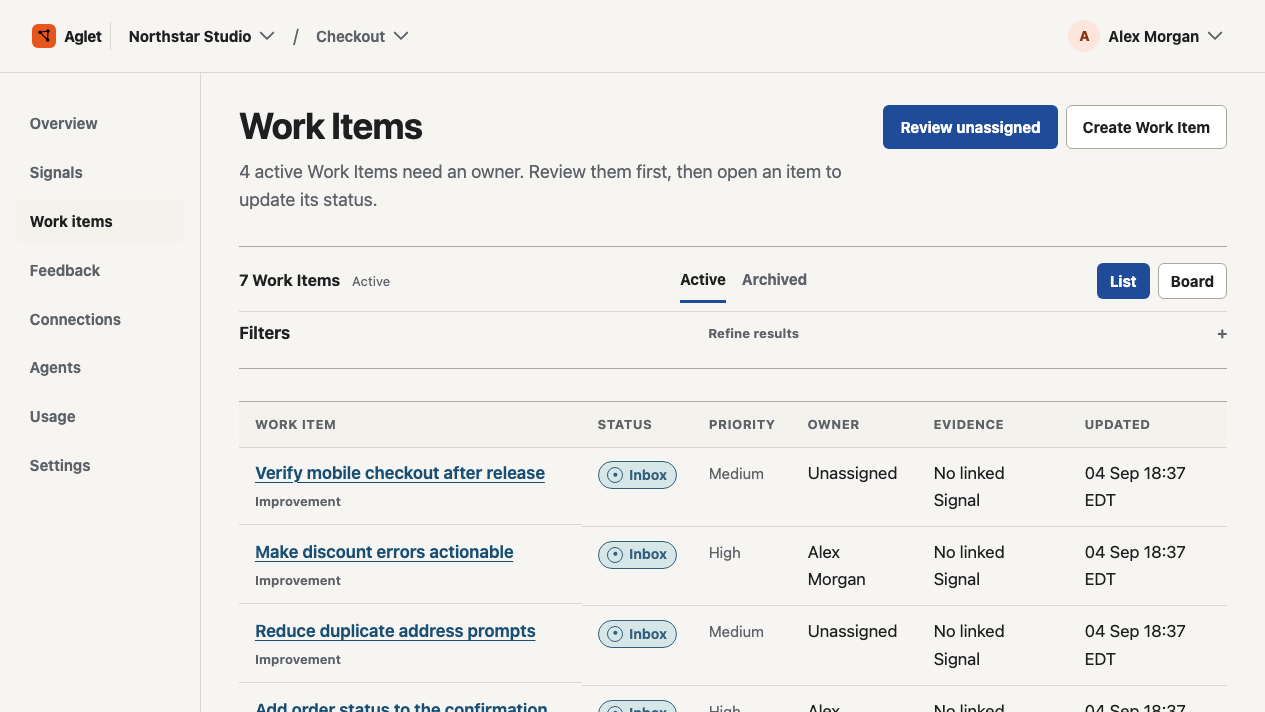
Review software errors and customer requests, assign the work, and keep the result beside the evidence.
Try the built-in sample in your first project. No production connection needed.
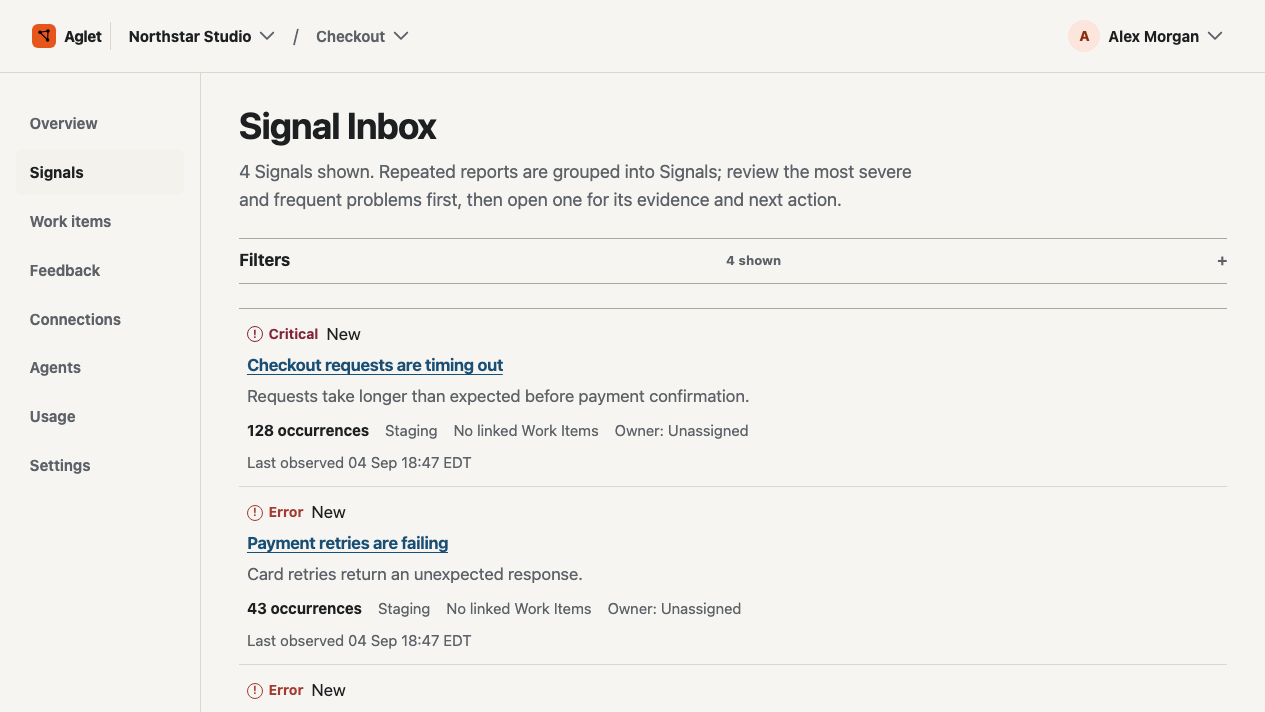
An illustrative workflow: customers hit a timeout at checkout. Here’s how the team can investigate it in Aglet.
Open the grouped Signal. Compare when the error last appeared, how often it occurs, and which service and environment are affected.
Link the Signal to a Work Item, assign the investigation, and set a priority. Keep findings in the discussion so the next person can pick up the thread.
Review the verification record with the original work. If the observations don’t establish an outcome, keep the result inconclusive and the next check explicit.
Every view answers a different question: what is happening, what are we doing, and what do we know now?
The Work Items view keeps status, priority, ownership, and the problem that started the conversation together.
The project overview connects Signals, Work Items, and verification records without turning missing context into a healthy result.
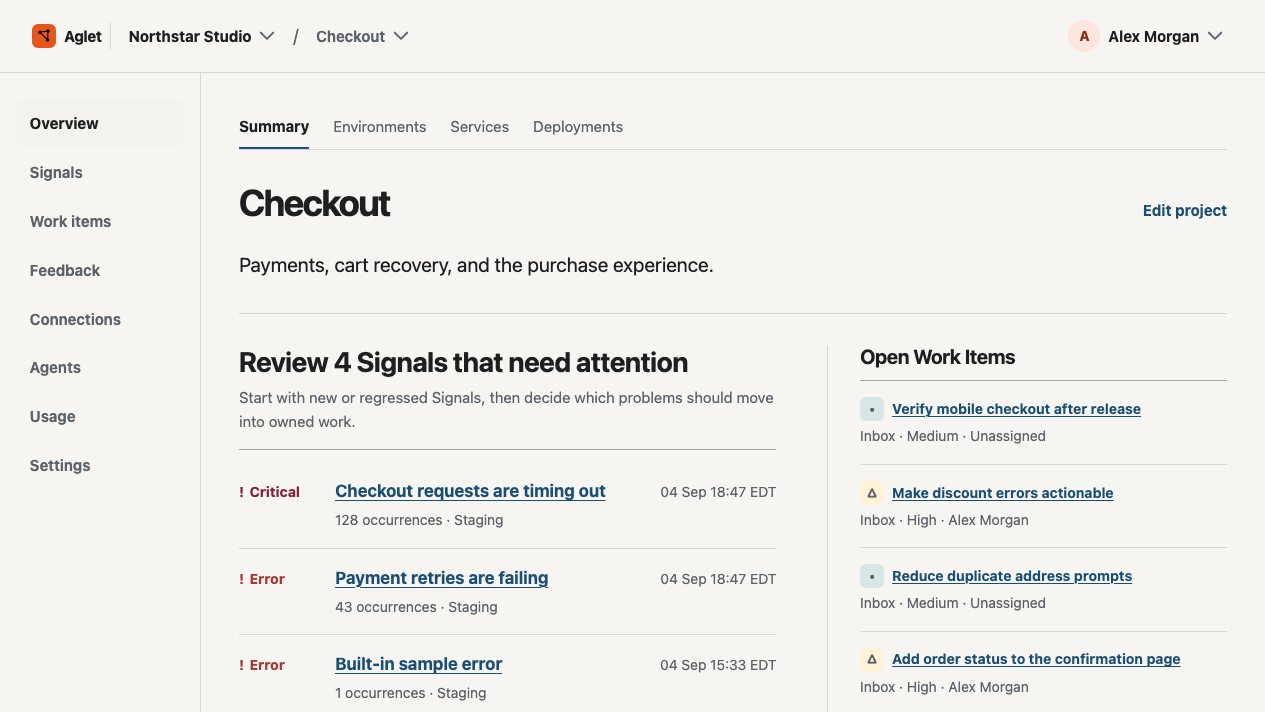
Aglet gives the people around a recurring problem one shared place to decide what happens next.
Aglet creates and organizes Work Items from recurring problems so the reason, owner, and next step stay together.
Observability tools help you explore system behavior. Aglet helps the team decide what that behavior means for the next change.
At launch, repository and deployment writes are off. Agent runs are limited to observed context and recommendations around the work.
Start with HTTPS event intake and request examples for cURL, Node.js, Python, and Ruby. You can also record customer feedback and connect selected GitHub repositories with read-only access. See connection options.
Create an account, add a project, and run the included example before connecting a production source or customer traffic.
Create a project, run the included example, and follow one problem into an owned Work Item.
Create account